BEHIND THE WORK
About me.
A little about the person behind the investigations.
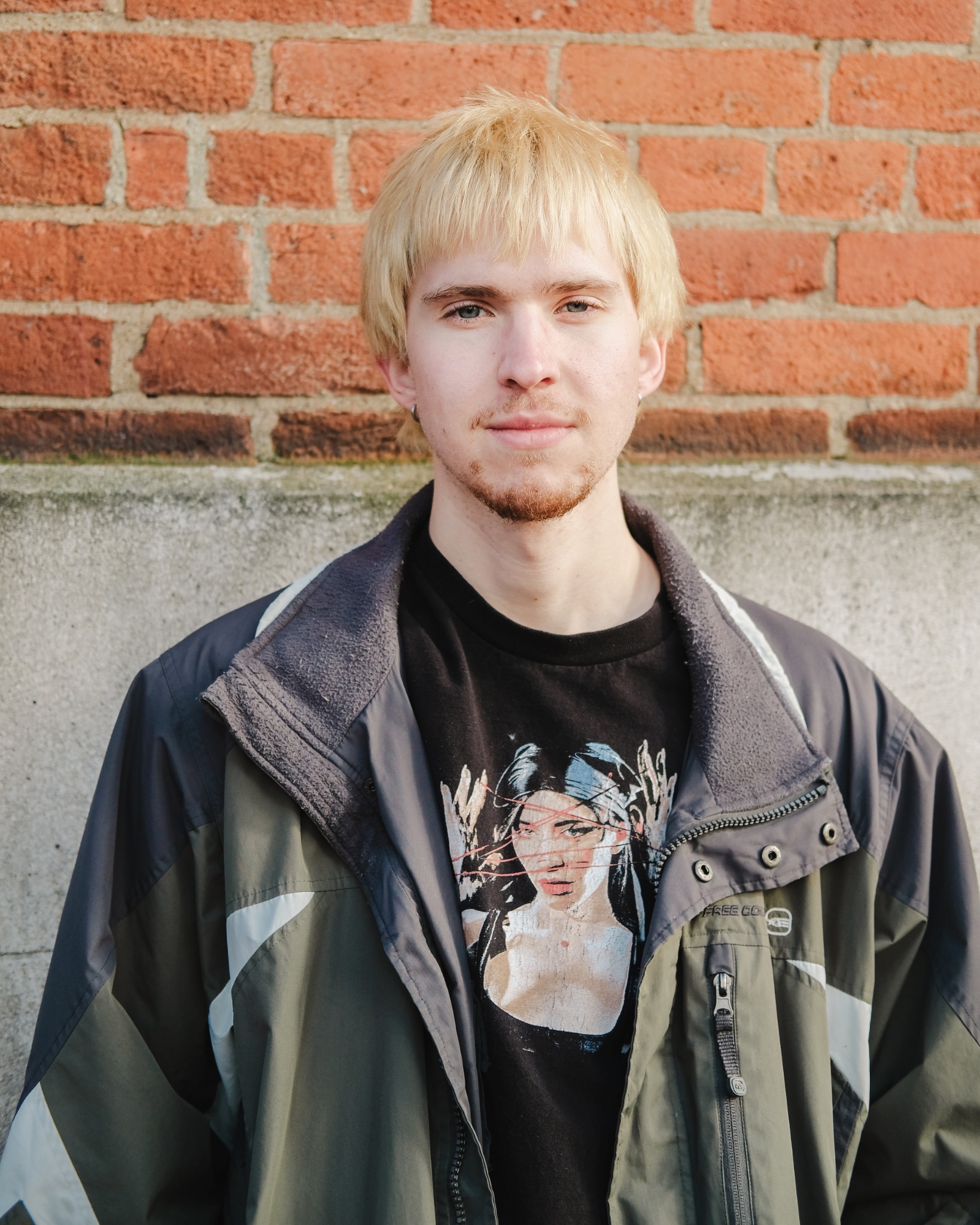 PORTRAIT COMING SOON
Hi, I’m Brandon.
I’m an IT Specialist at Access Ohio, supporting Microsoft 365, Active Directory, endpoints, and networking across a multi-site organization in Columbus, Ohio.
I’m focused on growing into security operations and incident response. I enjoy tracing activity across logs and packet captures, building small tools, and documenting how I reached a conclusion. Longer term, I’d like to move into penetration testing.
My interest in technology started with game development and design. I’ve always enjoyed solving unusual problems and learning new technologies, and security gives me plenty of opportunities to do both.
Outside of work, I go climbing with friends, take long walks with my partner, and unwind with visual novels on my PS Vita.
MY TOOLBOX
Skills & tools.
Tools I use in projects and day-to-day systems work.
Detection & response
Investigation & forensics
Systems & networking
Code & security testing
THE WORK BEHIND THE ANSWERS
Would I be a good fit?
Common questions, answered with evidence.
Can you operate in a real IT environment?
Yes. In my current IT Specialist role, I support a production environment of roughly 300 users across nine sites. My day-to-day work covers endpoints, identity, networking, Microsoft 365, and remote access.
EVIDENCE
- ~300 users across nine sites
- Microsoft 365 + Active Directory
- Endpoint + network administration
- VPN, firewall, and access troubleshooting
Can you investigate security events?
Through lab investigations and writeups, I practice starting with evidence, forming a hypothesis, and following activity across data sources. I document the steps that support a conclusion, along with what remains uncertain.
EVIDENCE
- Wireshark: SMB, NTLM, Kerberos, and TLS
- Hack The Box Sherlock investigations
- KC7: KQL queries and evidence correlation
- Writeups explaining the clues and decisions
- 01 / TRIAGEIdentify suspicious activity
- 02 / CORRELATEConnect the evidence
- 03 / INVESTIGATETest the explanation
- 04 / DOCUMENTExplain findings and limits
Do you understand the systems behind the alerts?
My infrastructure work gives me context for how users, devices, identities, and networks interact. Troubleshooting authentication, connectivity, and access helps me ask better questions when I look at security activity.
EVIDENCE
- Active Directory + Microsoft 365 administration
- Windows endpoints and remote access
- DNS, VPN, and firewall troubleshooting
- UniFi + SonicWall network tooling
Can you build and automate, not just use tools?
I build small tools and connected workflows to make repeated analysis more useful. My projects include indicator enrichment, an automated SOC pipeline, and custom static malware triage tooling.
EVIDENCE
- Wazuh → Shuffle → TheHive SOC pipeline
- Python IOC analyzer with VirusTotal + OTX
- MalTriage: hashes, PE metadata, and strings
- Documented setup, workflow, and results
How do you continue developing your skills?
I combine structured study with hands-on practice, then turn what I learn into investigations, tools, and writeups. My current learning includes Microsoft security operations and further practice with KQL and incident analysis.
EVIDENCE
- LetsDefend + Hack The Box investigations
- KC7: KQL 101, 201, and 301
- SC-200: Microsoft security operations study
- Projects and writeups that put learning to work